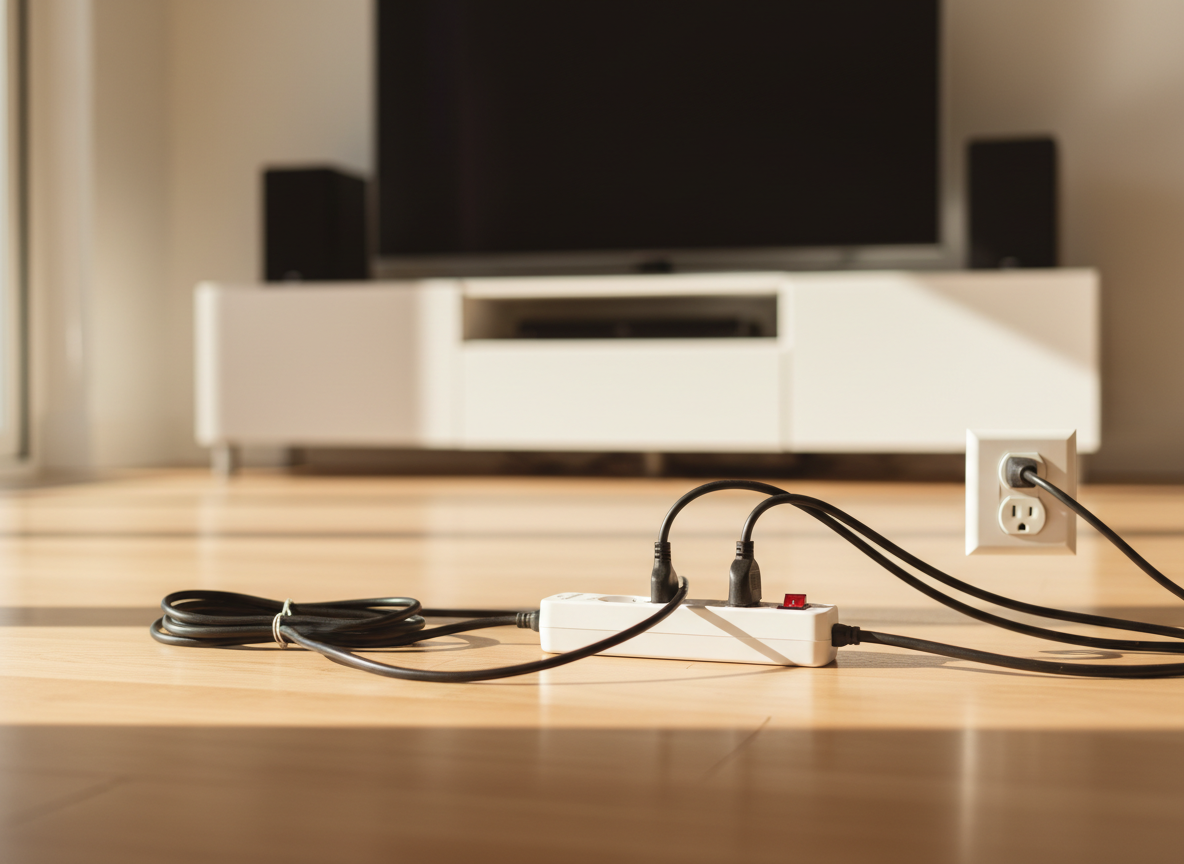
Yes, unplugging appliances saves money, but usually a modest amount: often somewhere around $30-$100 a year for a typical home, depending on how many electronics you have. The savings come from “standby power,” the electricity devices draw when they’re switched off or idle. A few devices, like cable boxes, older game consoles and home theater gear, account for most of it, so you don’t need to unplug everything.
Quick answer: which devices are worth unplugging?
Costs use about $0.18 per kWh, roughly the US average residential price in mid-2026 according to the U.S. EIA. Standby watts vary a lot by model and settings, so these are typical ranges.
| Device | Typical standby draw | Yearly cost if left plugged in | Worth unplugging? |
|---|---|---|---|
| Cable or satellite box with DVR | 15-30 W | $24-$47 | Often, if you rarely record (check it won’t lose guide data or recordings) |
| Game console in “instant-on” mode | 5-15 W | $8-$24 | Yes, or switch to energy-saving mode |
| Older AV receiver or stereo | 5-15 W | $8-$24 | Yes |
| Desktop computer in sleep | 2-5 W | $3-$8 | Use a power strip for the whole desk |
| Printer | 2-5 W | $3-$8 | Yes, if used rarely |
| Microwave or oven clock | 2-3 W | $3-$5 | Usually not worth the hassle |
| Smart speaker | 2-3 W | $3-$5 | No, it’s designed to listen |
| Modern TV (standby) | under 1 W | under $1.60 | Not really |
| Phone charger with nothing attached | under 0.5 W | under $0.80 | Tidy habit, tiny savings |
Key takeaway: unplug (or use a smart power strip on) the entertainment center and home office. Leave the small stuff alone if it’s a hassle.
What is standby power?
Standby power, also called phantom load or vampire power, is electricity used by devices that are plugged in but not actively doing their main job. It powers things like:
- Remote-control sensors that wait for you to press “on”
- Clocks and displays
- “Instant-on” or quick-start features
- Network connections for updates and voice commands
- Power adapters (the “bricks”) that stay energized
Researchers at Lawrence Berkeley National Laboratory estimate that standby power makes up roughly 5-10% of residential electricity use in most developed countries. That’s real, but it also means 90-95% of your bill comes from things that are actually running, like heating, cooling and water heating.
How to calculate what standby power costs you
The math is simple because standby devices run all year: 8,760 hours.
One watt, all year:
- 1 W × 8,760 hours = 8,760 Wh = 8.76 kWh
- 8.76 kWh × $0.18 = about $1.58 a year
So every watt of always-on standby costs you roughly $1.50-$1.60 a year at average rates.
A typical home’s total:
If your idle devices add up to 40 W:
- 40 W × 8,760 hours = 350 kWh
- 350 kWh × $0.18 = about $63 a year
A home with lots of electronics might idle at 50-80 W or more; a minimalist home might be under 20 W. Your number could be anywhere from about $30 to over $120 a year.
Find your own standby load
The easiest way is a plug-in electricity usage monitor (about $20-$30). Plug a device into it, turn the device off, and read the watts. Another trick: check your smart meter data in the middle of the night when nothing is running except the fridge and always-on devices. That “baseline” shows your minimum load. Our guide on how to read your electric bill explains how to find your usage data.
The biggest standby offenders
Cable and satellite boxes
Set-top boxes with DVRs have historically been among the worst offenders because they keep hard drives and tuners ready around the clock. Newer boxes are better, but many still draw more in “off” mode than a modern TV does when on. Check your box’s settings for a power-saving or deep-sleep option. Unplugging may mean a long reboot and missed recordings, so decide based on how you use it.
Game consoles
Consoles often ship with an “instant-on” or “rest” mode that allows fast startup and background downloads. Switching to the energy-saving shutdown option can cut standby draw substantially. You’ll wait a few extra seconds to start up.
Home theater and audio equipment
Older receivers, soundbars, subwoofers and amplifiers can sit at several watts each. A cluster of them adds up fast.
Home office setups
A desktop computer, monitors, speakers, printer and external drives can collectively idle at 10-20 W. A single power strip you switch off at night handles all of them.
What’s not worth unplugging
Some devices use so little in standby that unplugging them isn’t worth the hassle, or they need to stay on:
- Modern TVs: most use under 1 W in standby.
- Phone chargers: a modern charger with nothing attached draws a fraction of a watt.
- Refrigerators and freezers: these aren’t “standby,” they’re working. Never unplug a fridge with food in it. (An unused spare fridge is another story; see below.)
- Wi-Fi routers and modems: they draw several watts, but you likely need them on.
- Smart thermostats, alarms and medical devices: leave these on.
- Appliances with clocks you’d have to reset: the savings are a few dollars a year.
The big exception: a second fridge or freezer you barely use isn’t a standby load, but unplugging it can save far more than all your chargers combined, often $100 or more a year for an older model. See what uses the most electricity at home for the full appliance breakdown.
Easier than unplugging: smart power strips
Pulling plugs every night gets old fast. Better options:
- Switched power strip: one button cuts power to everything plugged in. Cheap and effective for a desk or TV area.
- Advanced (smart) power strip: senses when a “master” device like your TV turns off and cuts power to accessories like the soundbar and console. Some also use timers or motion sensors.
- Smart plugs with schedules: set a device to switch off overnight automatically. Note that the smart plug itself draws a small amount of power, often around 0.5-1 W, so they only make sense on devices with larger standby loads.
A $20-$40 advanced power strip that cuts 20 W of standby saves about 175 kWh a year:
- 20 W × 8,760 h = 175 kWh
- 175 kWh × $0.18 = about $32 a year
That’s a payback of about a year or less.
Is unplugging worth it? A reality check
Unplugging is a good habit, but it’s not where the big money is. For perspective:
- Cutting 40 W of standby: about $63 a year.
- Setting your thermostat back 7-10°F for 8 hours a day: DOE estimates up to about 10% off heating and cooling a year, which is often much more.
- Lowering the water heater to 120°F (49°C): DOE estimates about 3-5% off water heating for each 10°F reduction.
Our advice: spend 15 minutes setting up power strips on your two or three biggest clusters of electronics, then move on to heating, cooling and hot water. Our pillar guide on how to lower your electric bill ranks all the options.
Safety and other benefits
Unplugging has a few side benefits beyond the bill:
- It can protect electronics from power surges during storms (a surge protector also helps).
- It removes power from older or damaged devices and chargers that could overheat.
- It’s a reminder to check for frayed cords.
When you plug things back in, don’t overload outlets or daisy-chain power strips.
Frequently Asked Questions
How much money does unplugging everything save?
For a typical home, often about $30-$100 a year at average rates, depending on how many electronics you have. Measure your baseline load to get your own number.
Do phone chargers use electricity when not charging?
Yes, but very little. A modern charger with no phone attached usually draws well under 1 W, which works out to less than $1 a year. It’s fine to unplug them, but it won’t change your bill much.
Should I unplug my TV when not in use?
Most modern TVs use under 1 W in standby, so the savings are small. The cable box, soundbar and game console connected to it usually use more. Put the whole setup on one smart power strip.
Is it bad to unplug appliances?
Generally no, but don’t unplug refrigerators with food, security systems, medical devices or anything that needs to stay on. Some devices, like DVRs, may take a while to reboot or lose schedules.
Do appliances use electricity when turned off?
Many do. Anything with a remote, clock, display, standby light or external power brick usually draws some power when “off.”
The bottom line
Unplugging appliances does save money, but typically tens of dollars a year rather than hundreds. Target the biggest standby users, such as cable boxes, consoles and home theater gear, with a smart power strip, and don’t sweat individual chargers. Savings vary by home and rates, so measure your baseline load, fix the worst offenders, and then put your effort into heating, cooling and hot water, where most of your bill really comes from.
Figures in this guide are estimates based on typical US prices at the time of writing. Savings vary by home, climate and utility rates — check your own bill before making a purchase.
